Problems
Profile data was skipped at sign-up and had no clear path to be completed later, leaving users blocked or poorly matched.

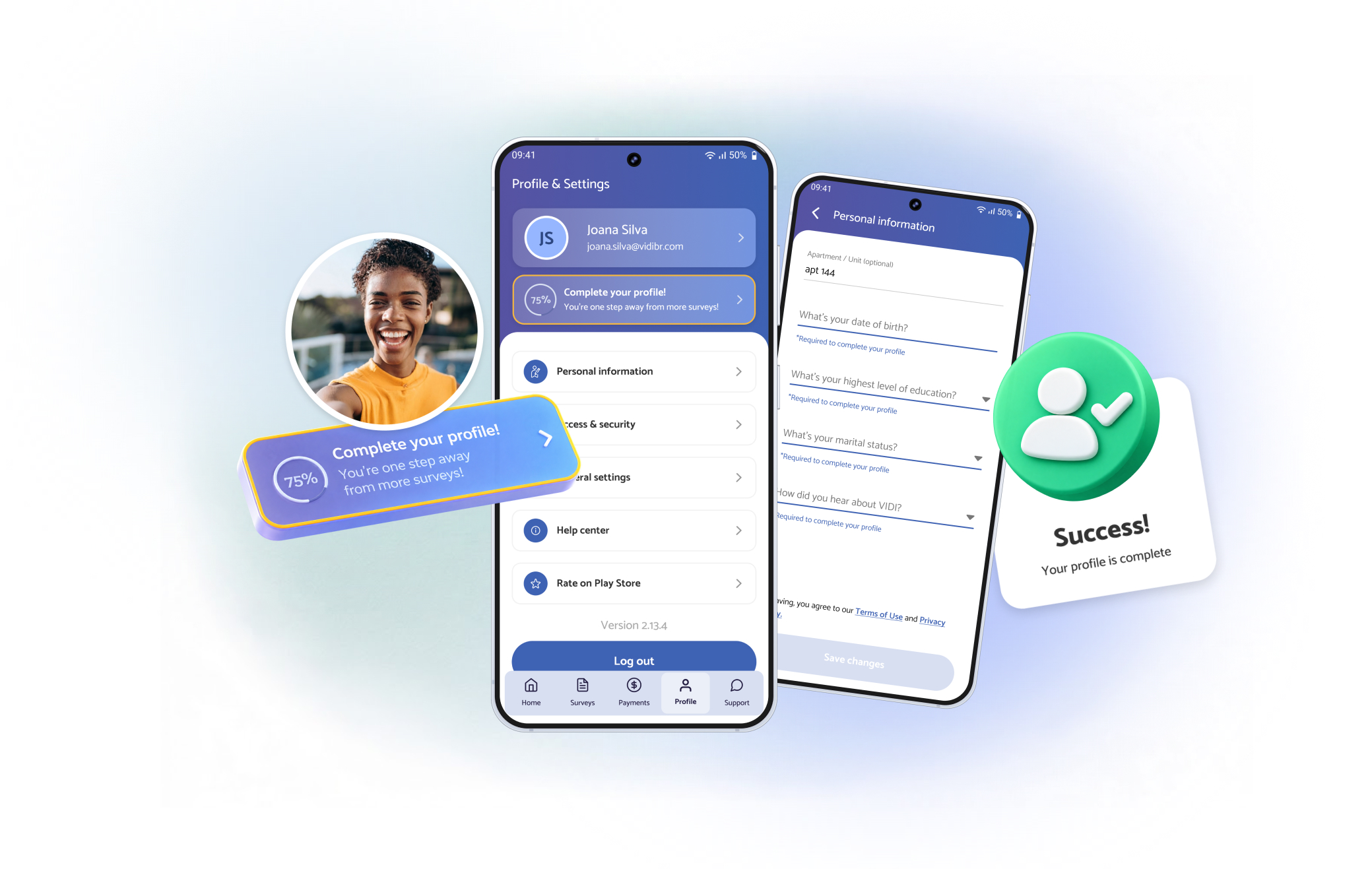
VIDI needs to know a lot about its researchers. A verified photo to confirm who’s doing each survey. Age, marital status and other details to match people with the right surveys.
The old sign-up asked for all of it, but the extra details and the photo were skippable. Many people skipped them, and then had no clear place to finish later. The result was a base of users with incomplete profiles, unable to take surveys or poorly matched to them.
This project came before the onboarding redesign, and it gave that data a better home outside of sign-up.
Profile data was skipped at sign-up and had no clear path to be completed later, leaving users blocked or poorly matched.
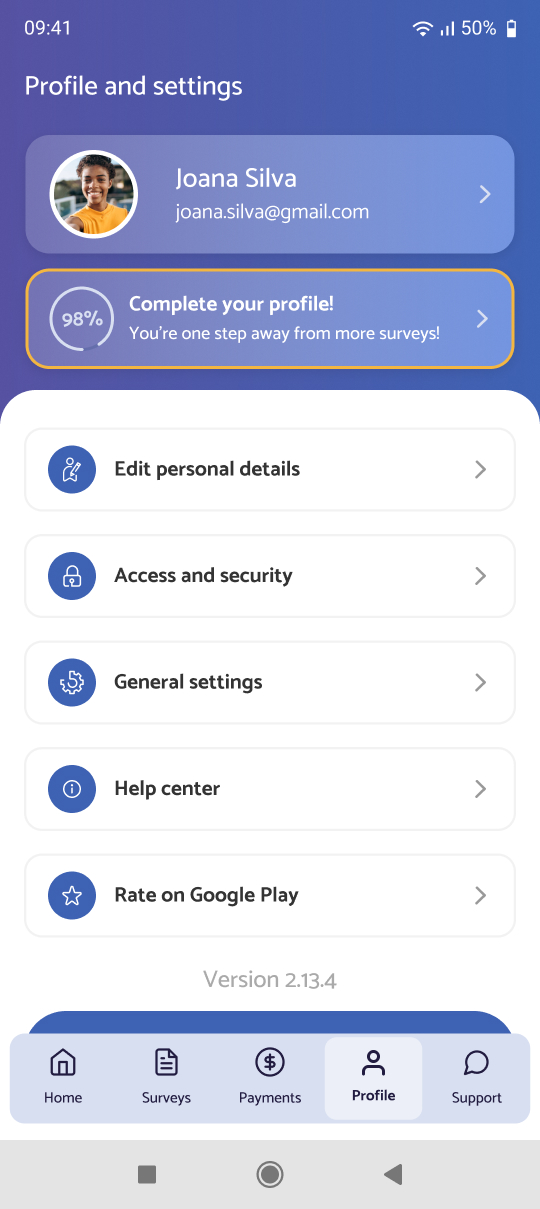
Rebuilt the profile area around guided completion: visible progress, a reason for each item, and direct access to whatever was missing.
Gave the business a place to collect data after sign-up, which made the onboarding redesign simpler.

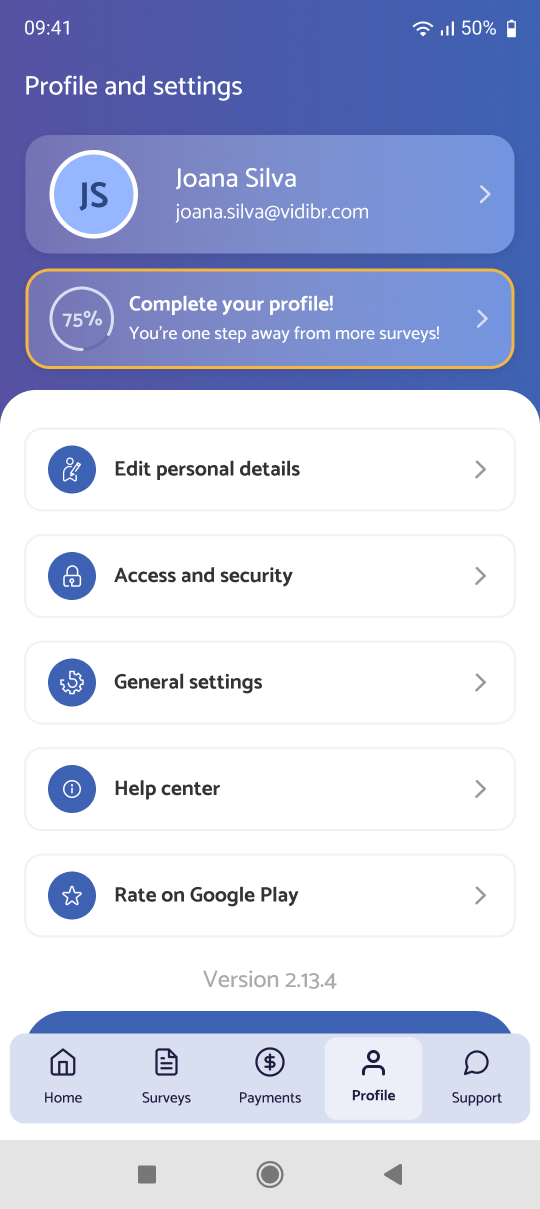

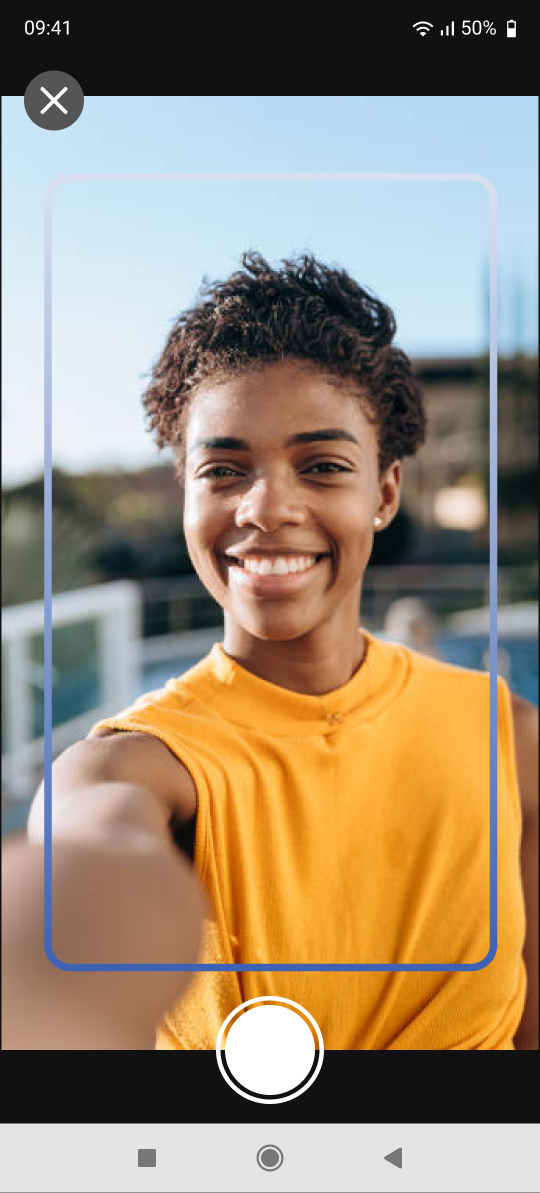
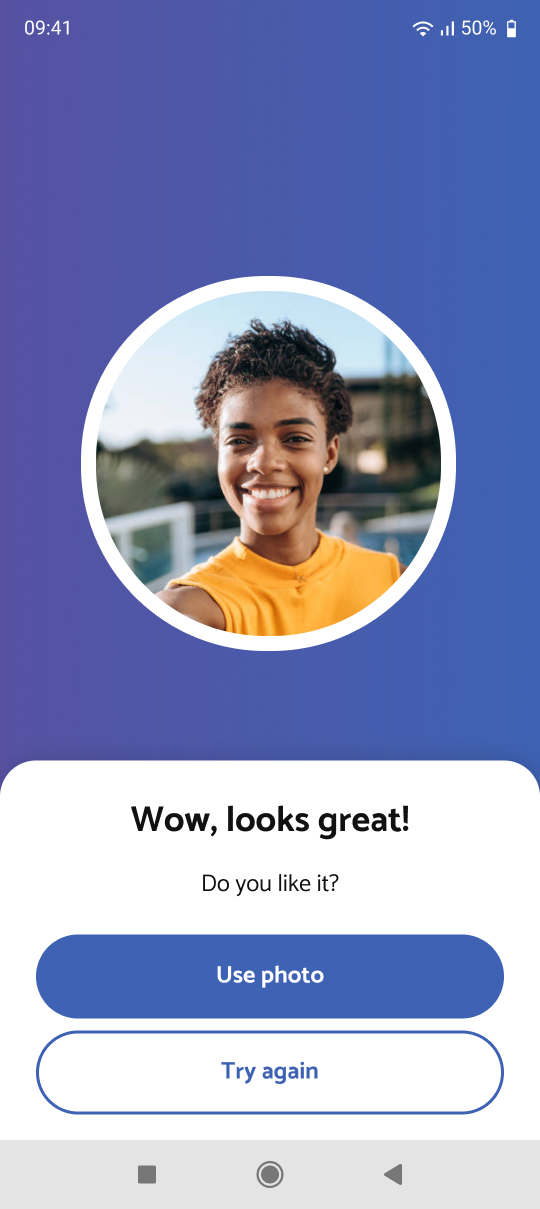
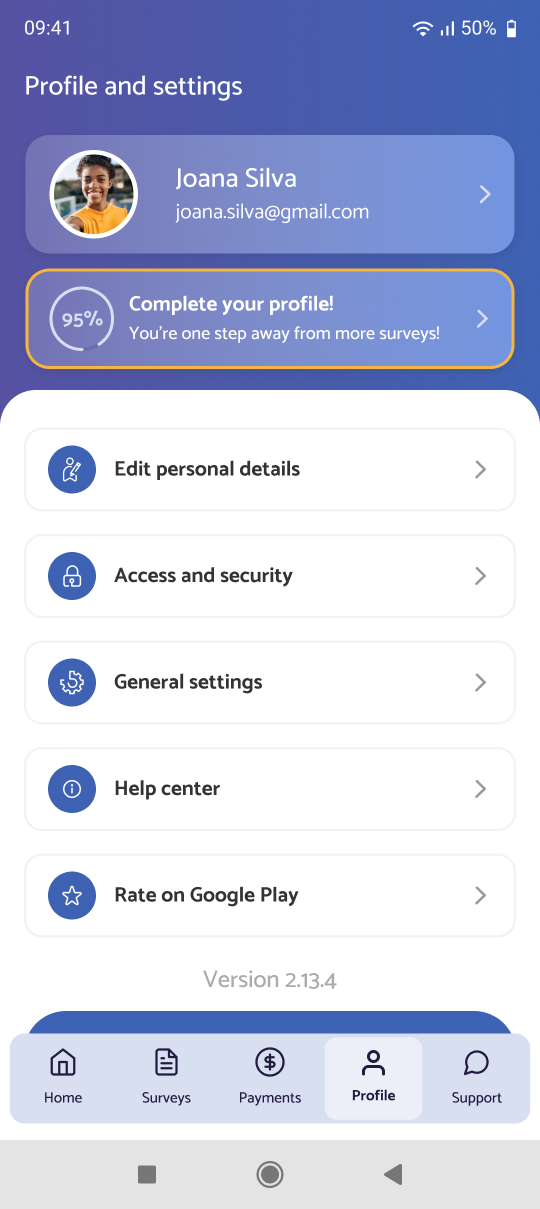
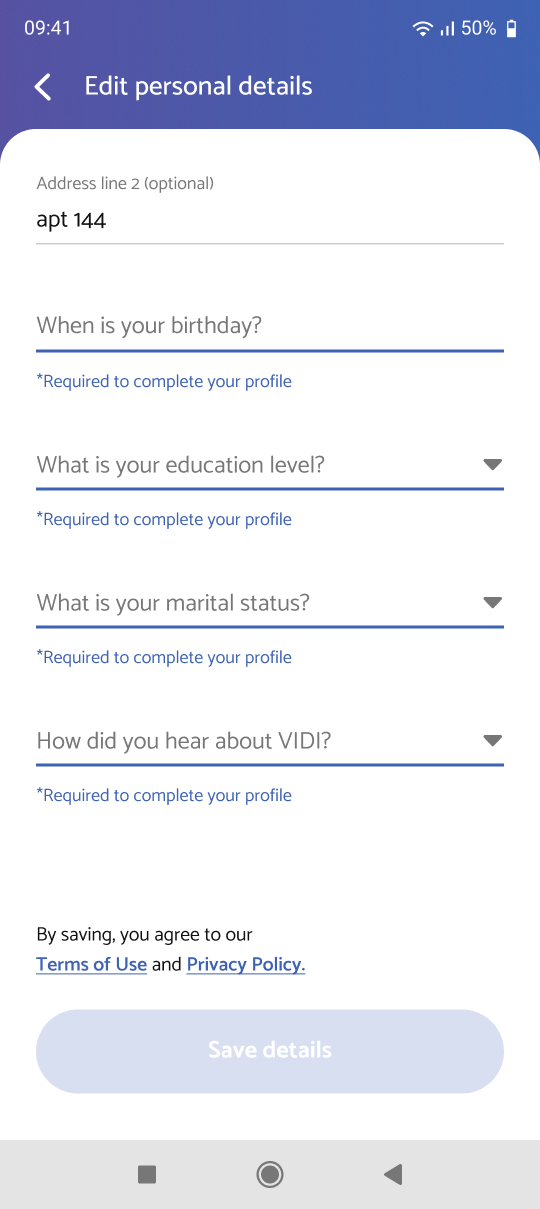
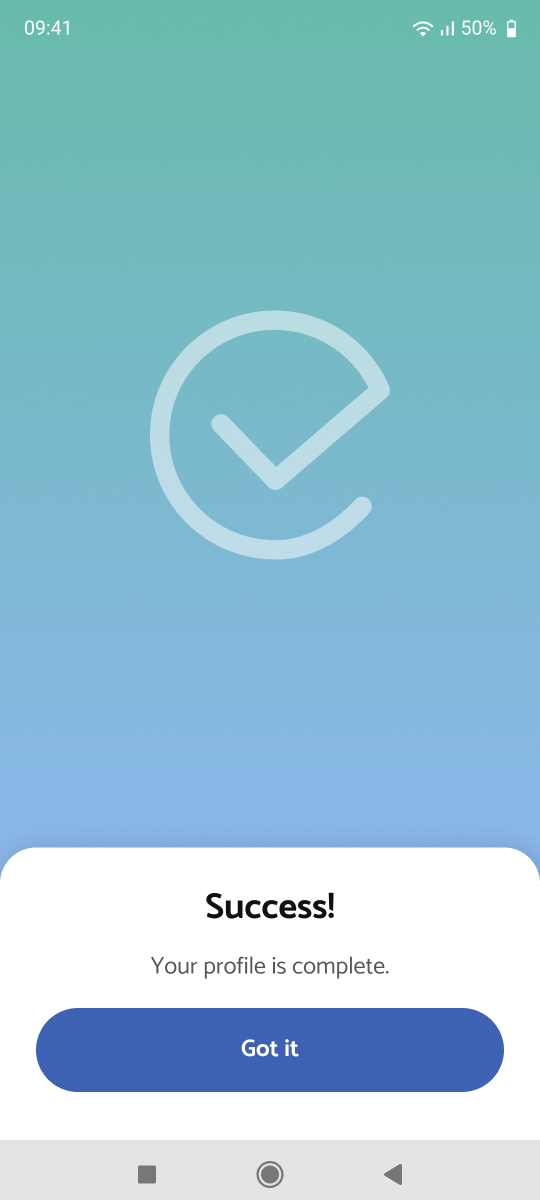
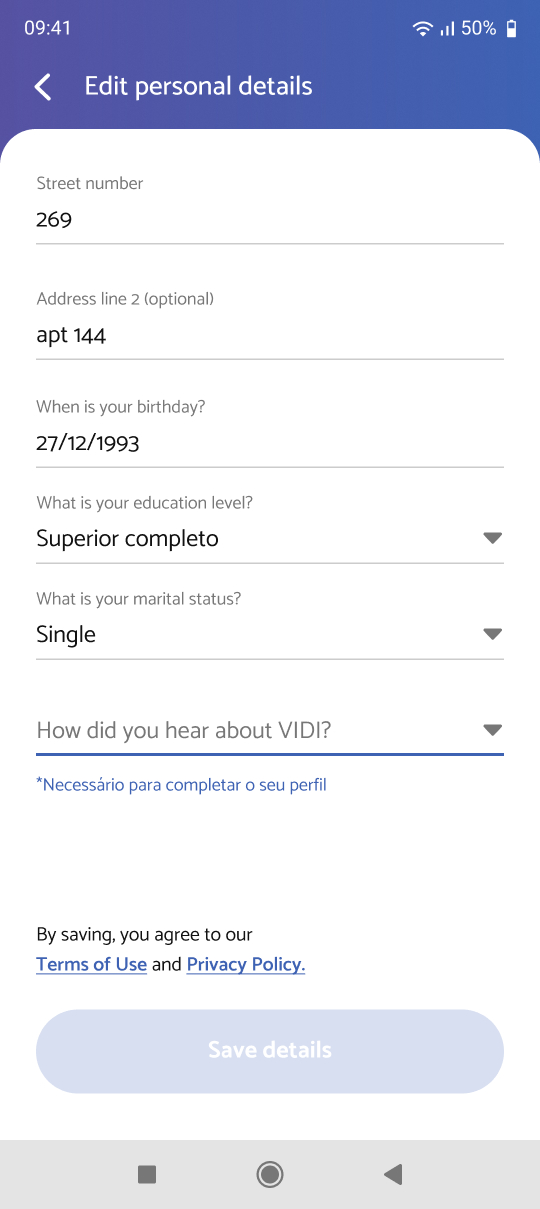
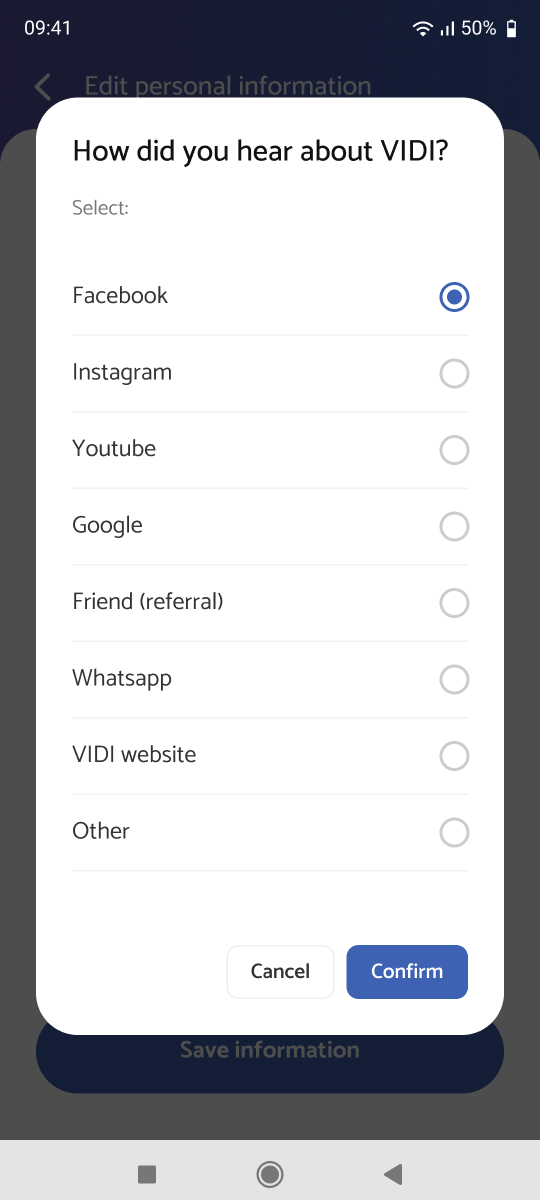
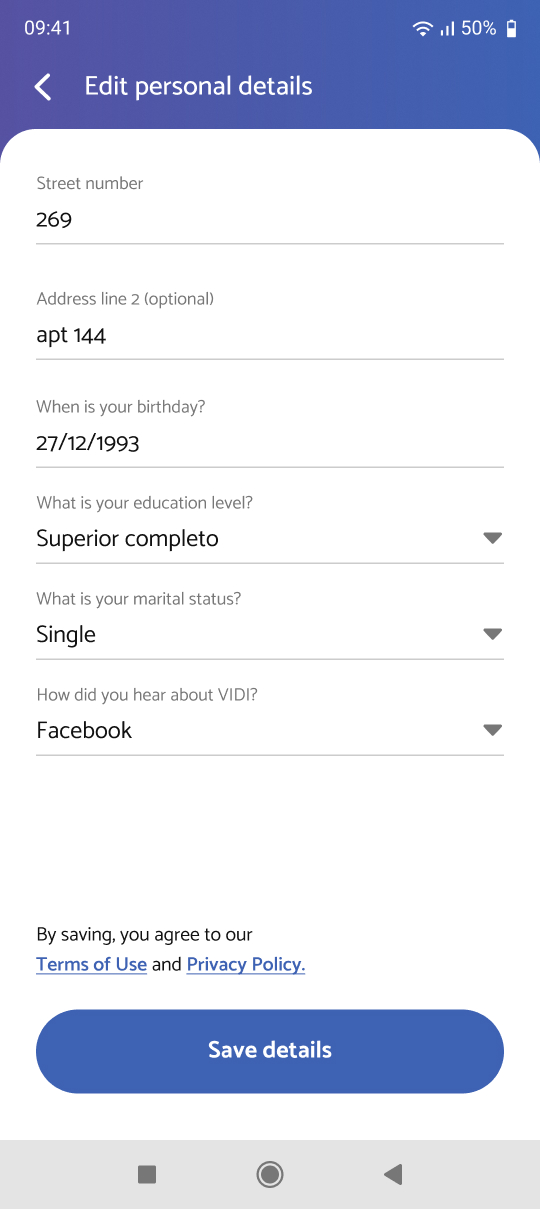
fig 1. the profile area, from progress to complete
Users could skip the photo and personal details at sign-up, and only found out they needed the photo when they tried to take a survey.
Profile data matters directly to operations: it decides who gets which surveys. Taking it out of sign-up sounded, to leadership, like collecting less of it.
It took a long dialogue with C-level and the operations team.
The argument wasn’t to ask for less data, but to ask for it in a better place: a profile area designed to bring users back until it’s complete.
So each item explains what it does for them:
The profile stopped being a form and became a way to get more work.
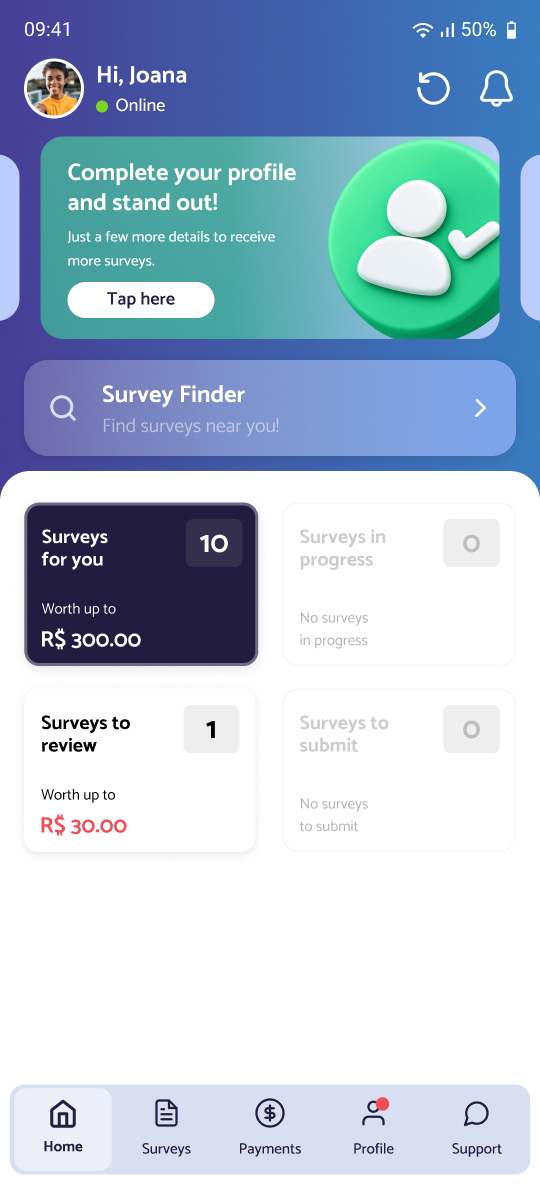
We used three layers, each one more specific:
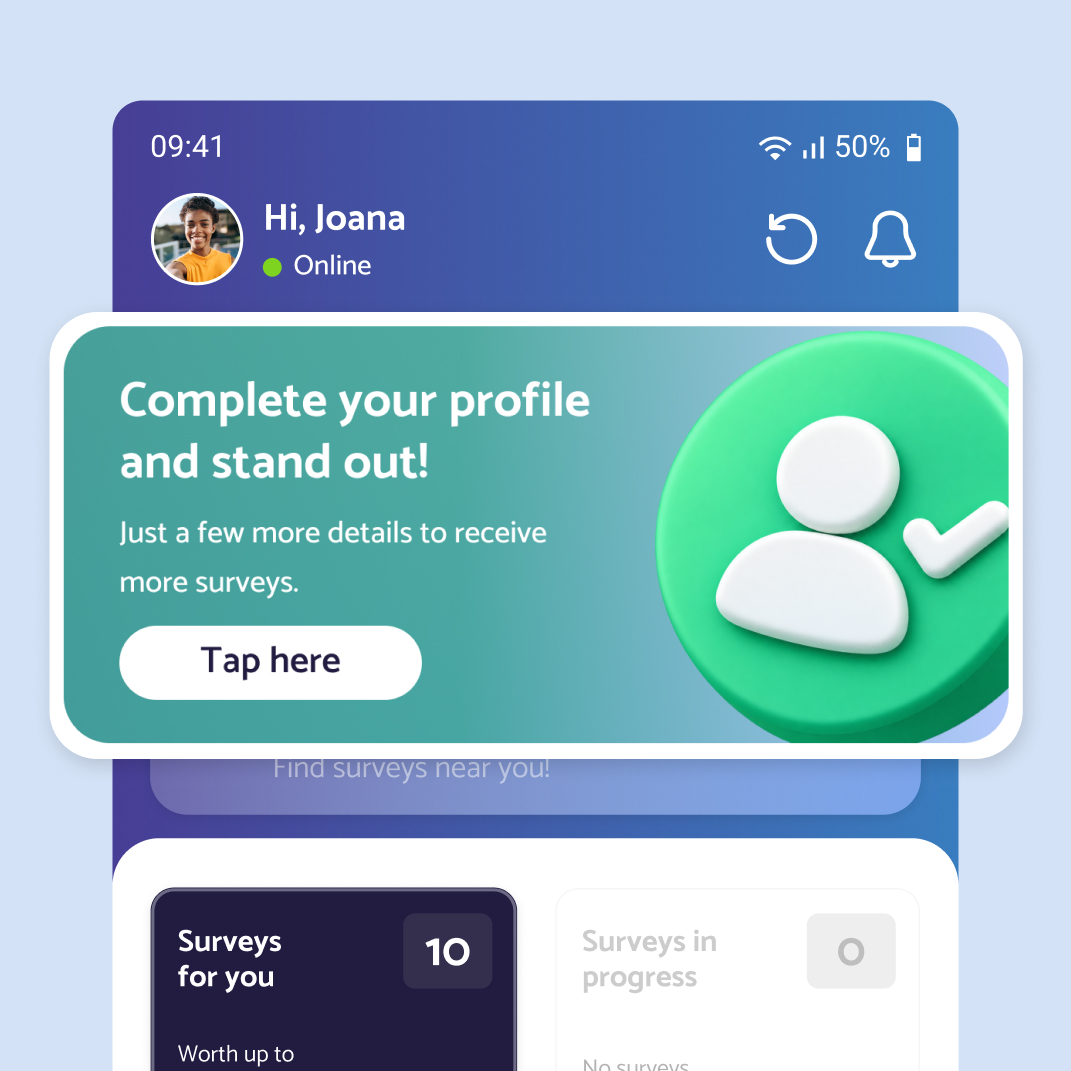 1
1A banner on the home screen, visible the moment users open the app.
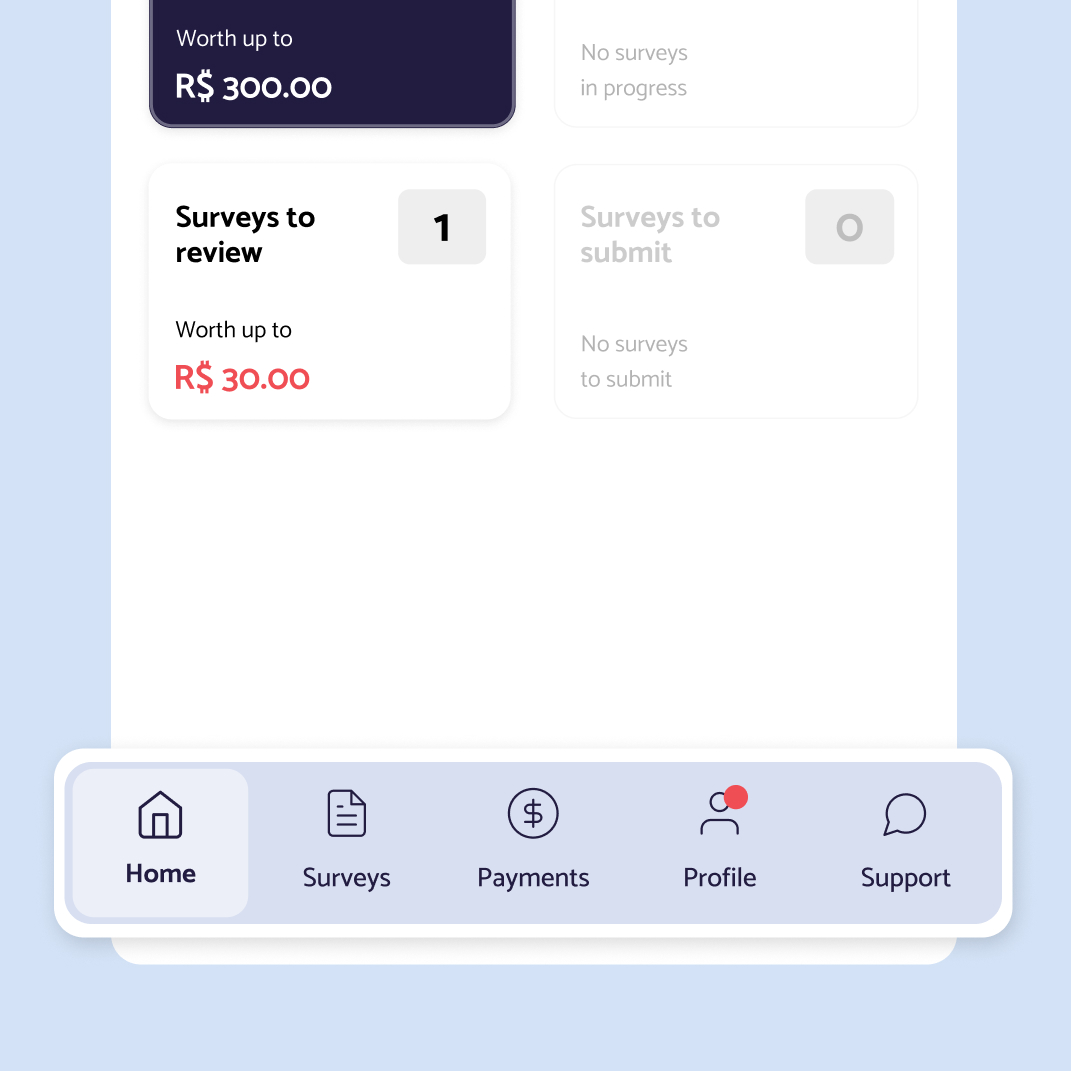 2
2A red badge on the Profile tab in the navigation bar.
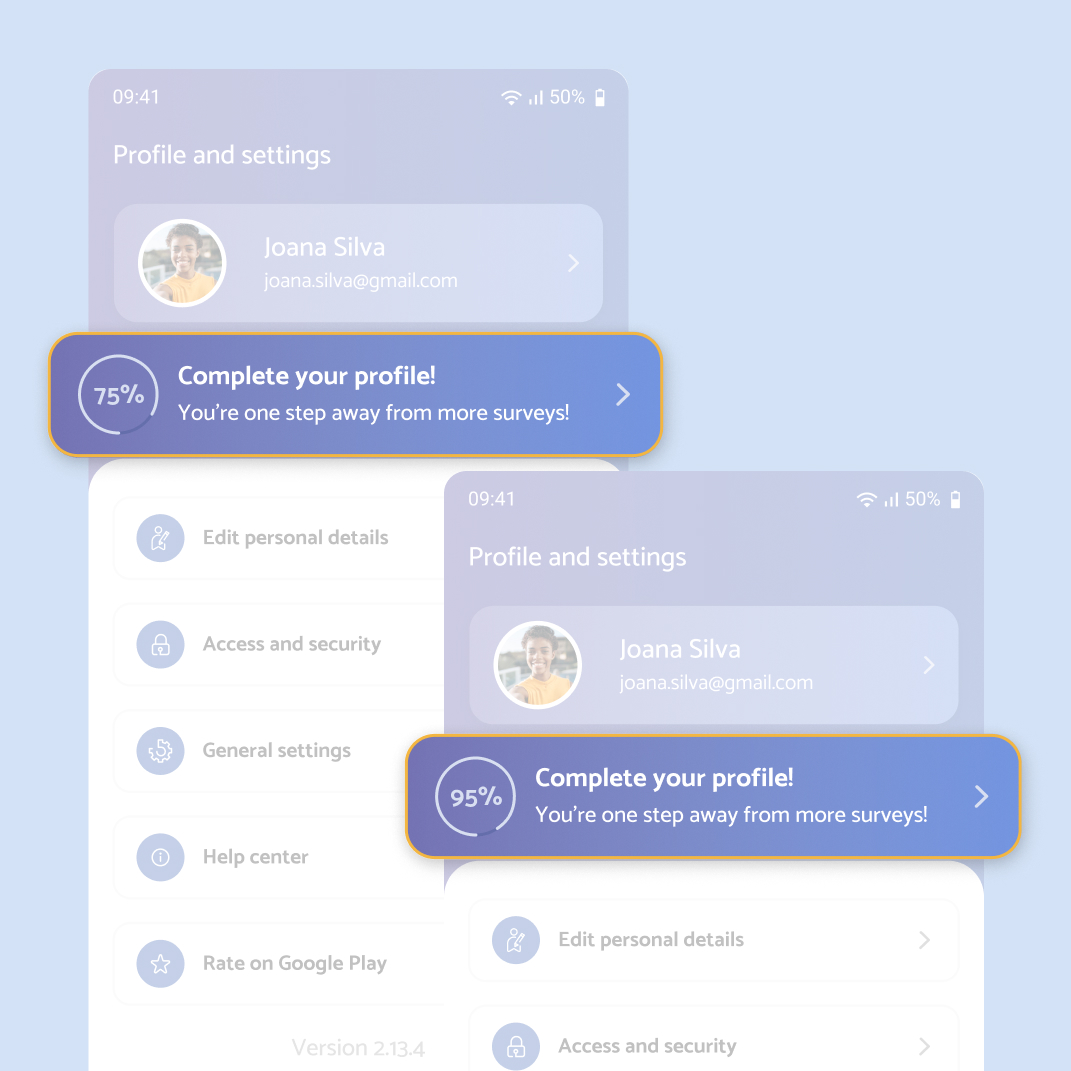 3
3A progress button inside the profile, showing how much is complete. It only disappears at 100%.
Tapping the progress button takes users straight to the missing step, not to a generic profile page where they’d have to hunt for it.
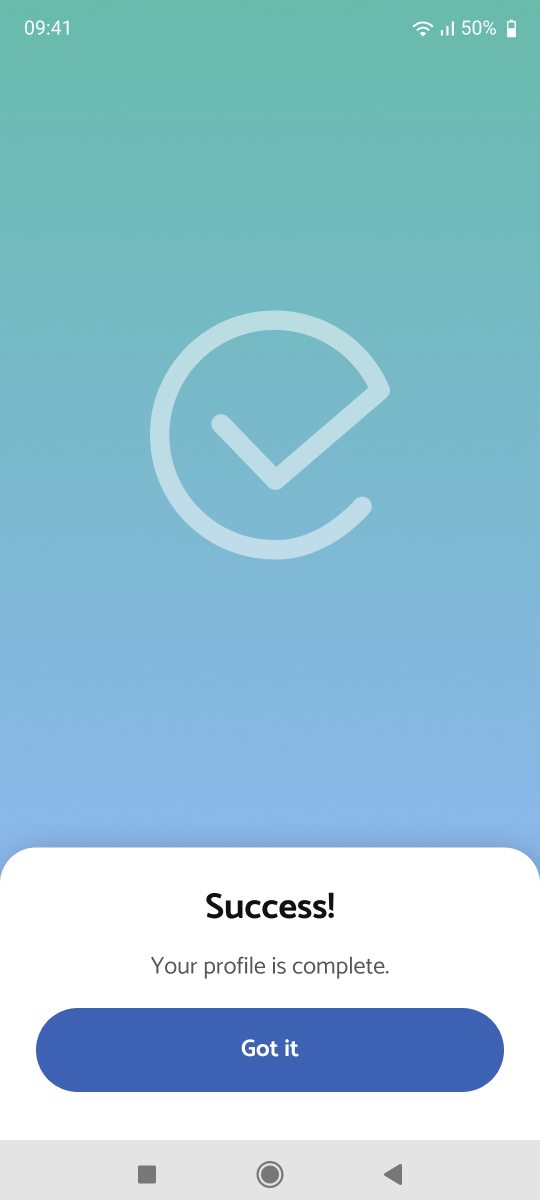
Once everything is filled in, a success screen closes the loop.
With a reliable place to complete profiles, we could move optional data and the selfie out of sign-up. That made the onboarding redesign simpler, which took sign-up completion from 1% to 70% (→ Onboarding case).
Users always know what’s missing, why it matters and how to get there in one tap.
Personal details now come with a reason to share them, instead of a skip button.
Sometimes the best way to simplify a flow is to give part of it a better home.
Sign-up got simpler because some of its requirements had somewhere else to go.
TaskCheck: a web platform for managers and a native app for frontline teams, on one design system.